| |
| |
1. Arrive at the URL to the gallery provided |
|
 |
| |
| |
2. Select the photo you wish to download |
|
 |
| |
| |
3. Located at the bottom of the screen to the right of the image are several options. Select the option that looks like three little boxes. |
|
 |
| |
| |
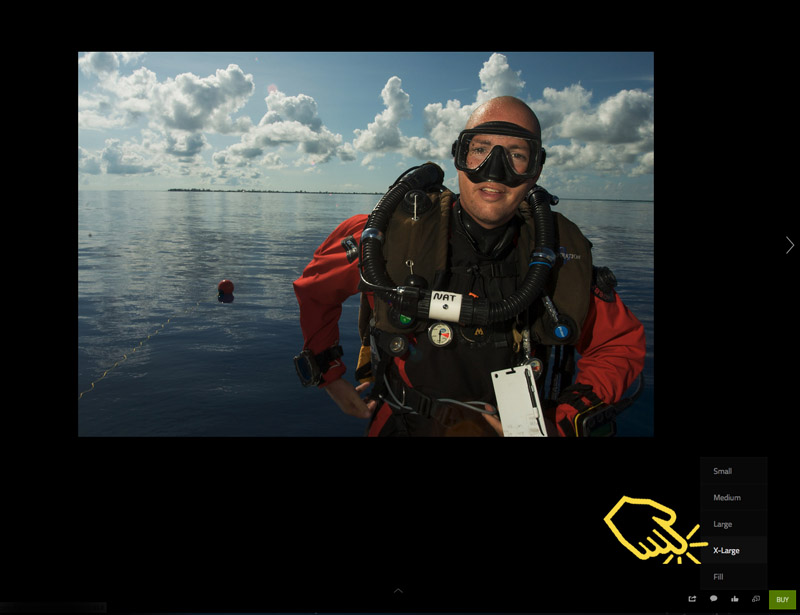
4. Select the size of image you wish to save |
|
 |
| |
| |
5. RIGHT MOUSE CLICK on the image and select "SAVE AS" to your computer. |
|
 |
| |
| |
6. If the right click brings up a security protection notice, contact me for assistance. |
|
| |


